
Ask the question.
Get the report.
You can only fix what you can see. RushHour gives you dashboards you assemble yourself, plus 44 built-in reports you run by asking the AI assistant in plain English — no spreadsheet export required.
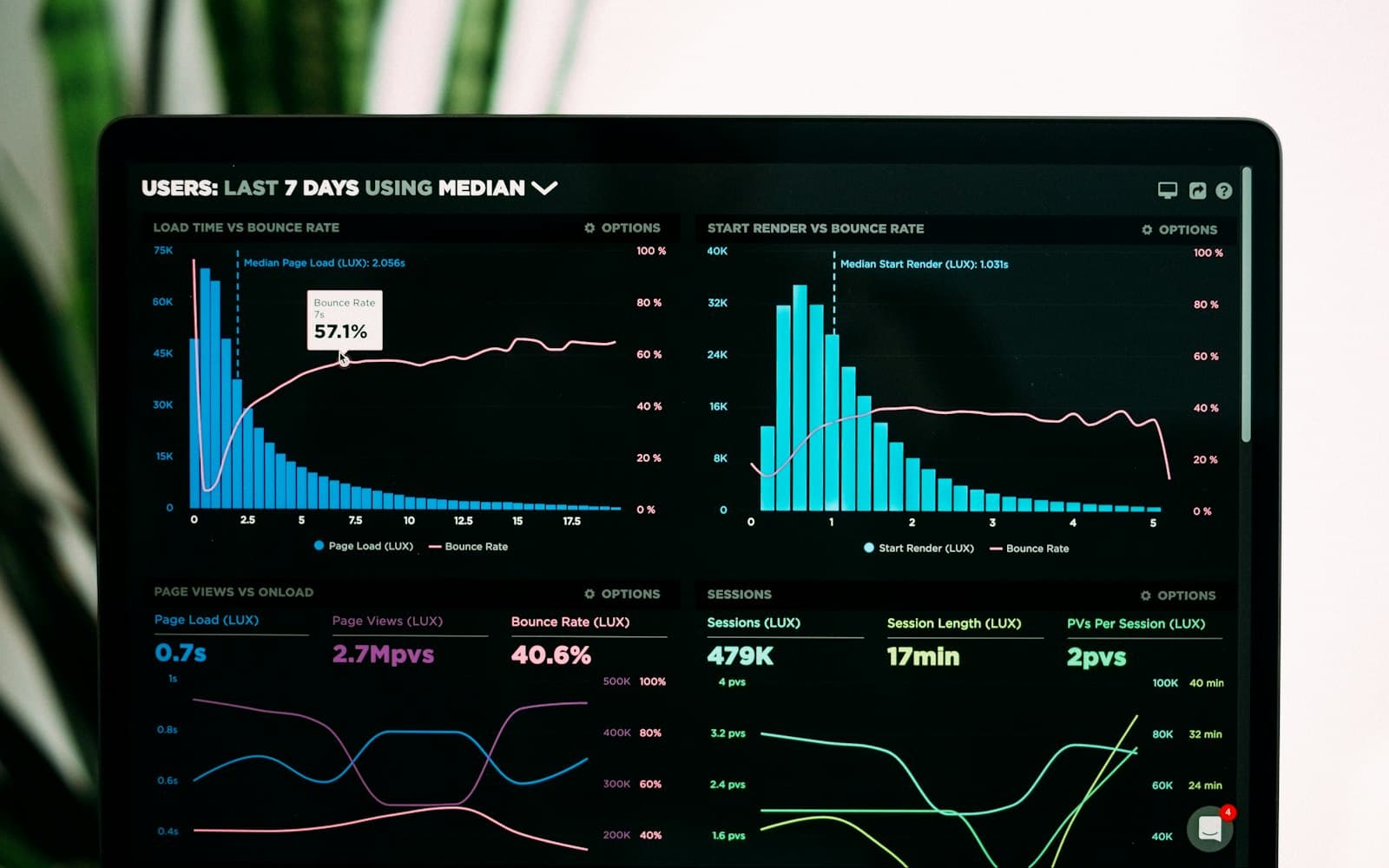
Numbers your team will actually use
From live operational data to a straight answer
Built-in reports
The reports you'd build anyway — already written
Per-driver stats, inspection checks, violations by severity, and the company's on-time rate on the dashboard. Ask the assistant for a report in plain English and it runs right in the chat.
- Per-driver orders and late deliveries
- Violations by severity and type
- Inspection checks by status
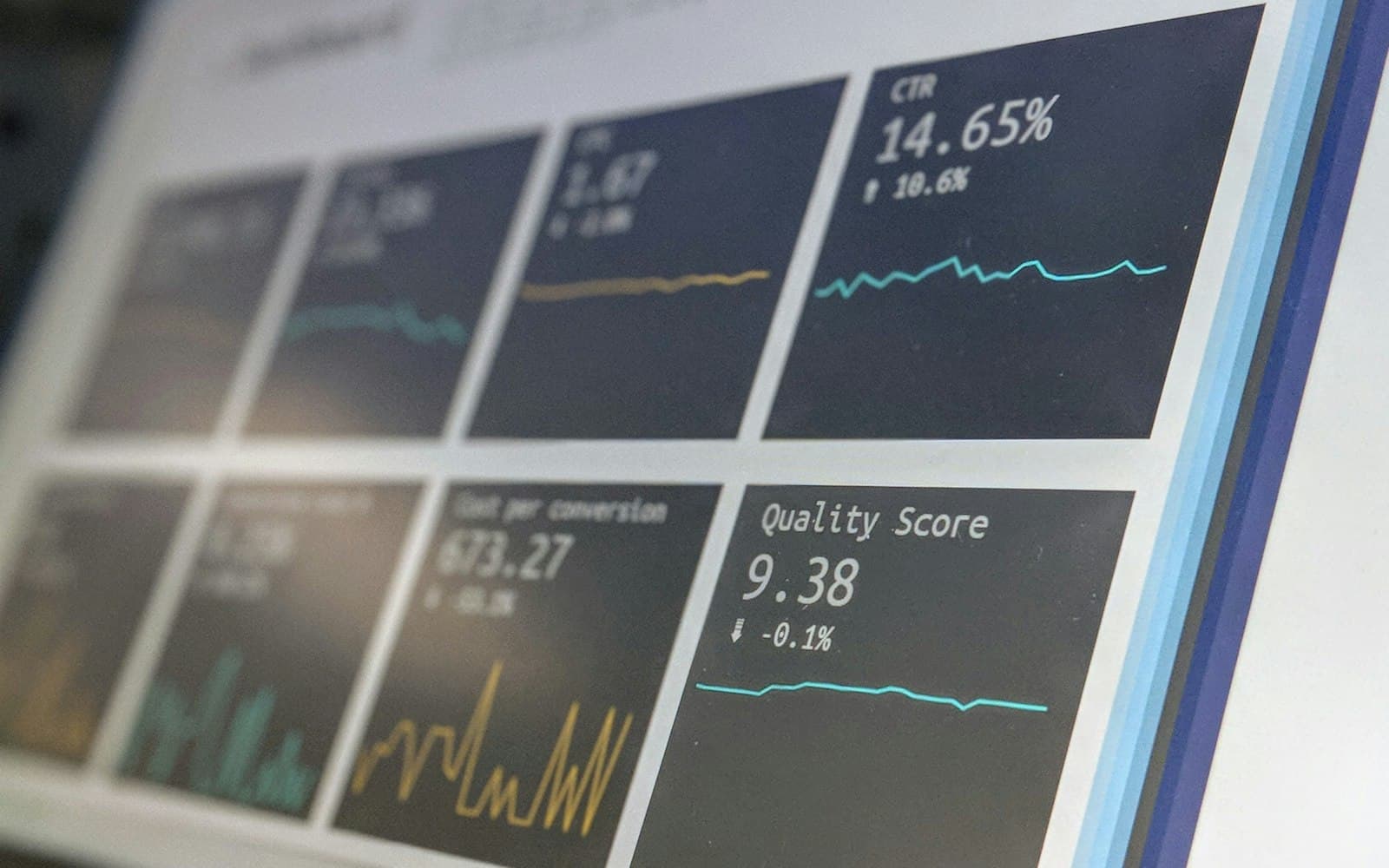
Custom dashboards
Build the view each team opens first
Pick the widgets that matter — KPI tiles, revenue trend, on-time rate, AR aging, unbilled closed orders — and arrange them how you want. Give the dispatcher, the accountant and the owner each their own, off the same live data.
- Drag-and-drop widget dashboards
- Company-wide and personal saved dashboards
- Email any exported document from the record

What you'll measure
Driver productivity
Orders completed and late deliveries per driver, with violations on the driver record.
Volume and lateness
Daily order volume, late orders, driver issues by category and urgency.
Inspection checks
Every check by status — pending, failed, maintenance, completed — with the driver's photos and comments.
Revenue and AR
Revenue trend, AR aging, invoices raised, and closed loads still unbilled.
What's the one number you're missing?
Tell us in the demo — we'll show you which built-in report or dashboard widget answers it, on your own freight.