
Live visibility on
every load, and every connected truck.
For the freight you actually move — trucks, drivers, pallets and containers. Live positions, per-stop ETAs, truck-level costs and every document sit in the same platform as your orders.
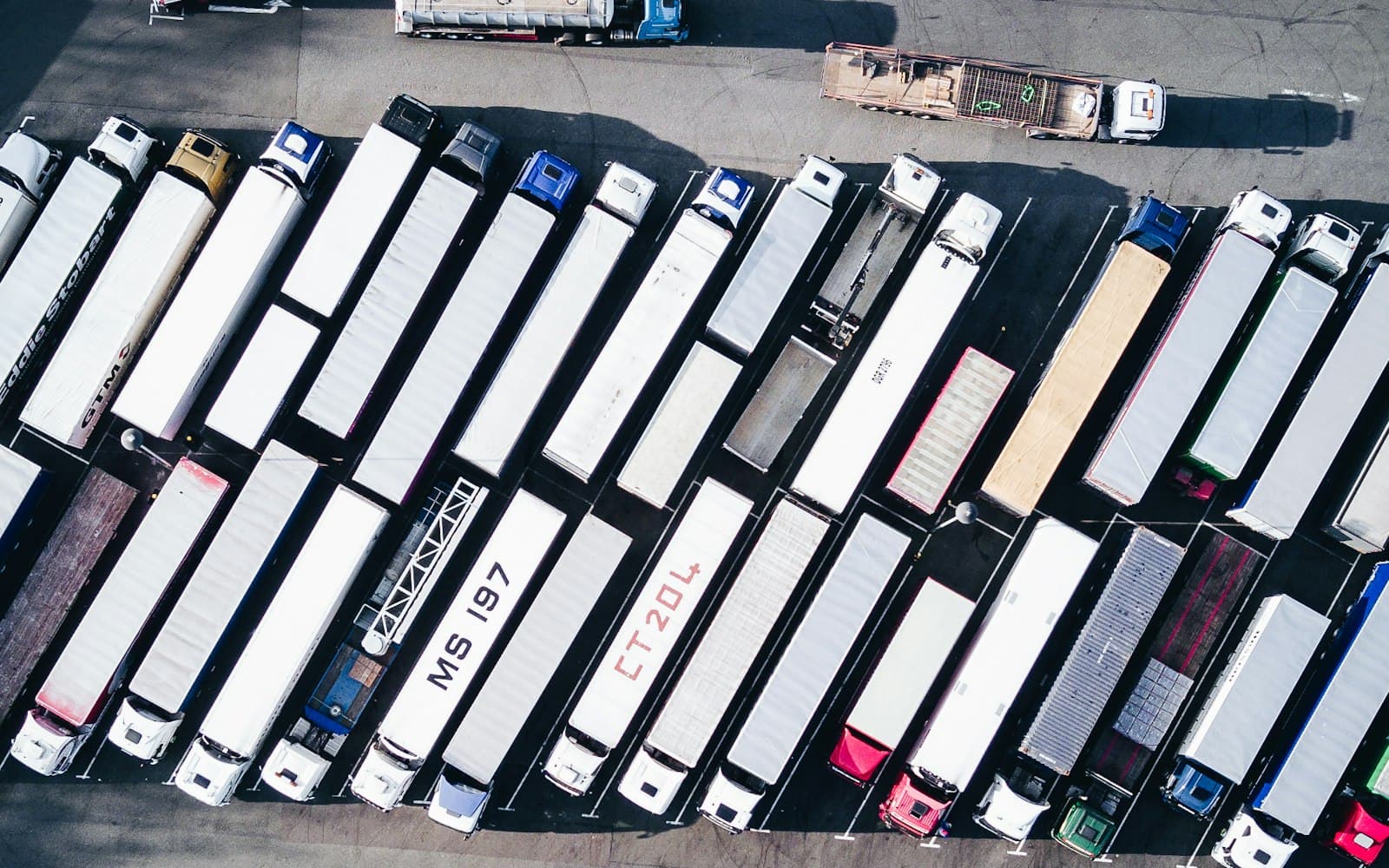
What you'll see
Find it, cost it, flag it, bill it
Live fleet map
Every truck and driver on the dispatch board
Connect Samsara and vehicle positions land on the same map as the driver phone GPS we already collect — next to the stops they are running, with per-stop ETAs and arrival detection.
- Live vehicle GPS
- Driver's latest position from the app
- Per-stop ETA and arrival
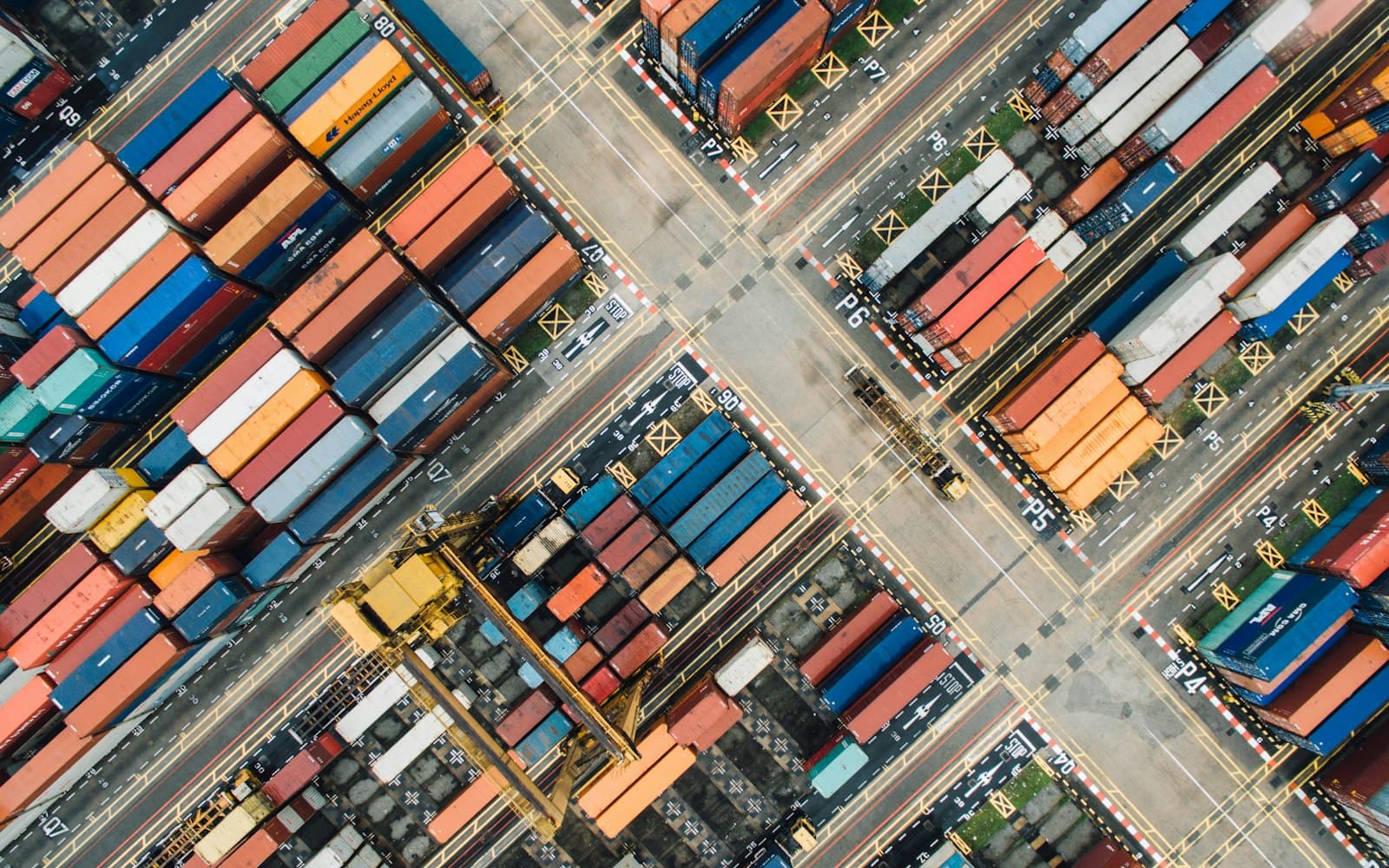
Truck-level costs
See what each truck actually costs you
Fuel, tolls, repairs and payments post against the truck that incurred them. Drivers photograph receipts in the cab and the line item is read off the image for them.
- Expenses by truck
- Receipt capture from the cab
- Category and trend analysis
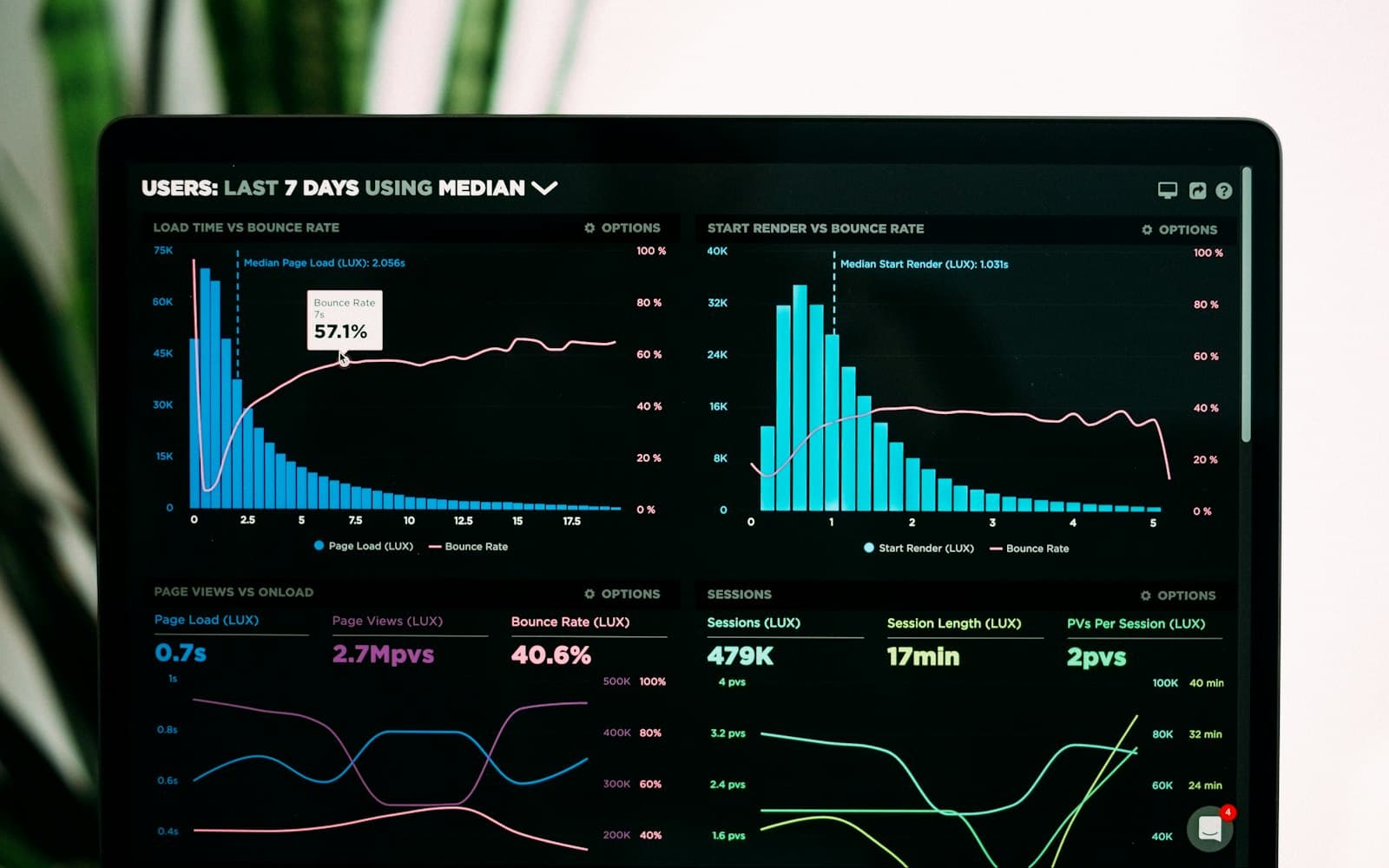
Exceptions
Problems surface before the customer calls
Put a load on hold, flag a stop, review driver-reported issues. Late deliveries can raise an alert to the people who opt in.
- Hold and release on any load
- Late-delivery alerts
- Driver issue reporting
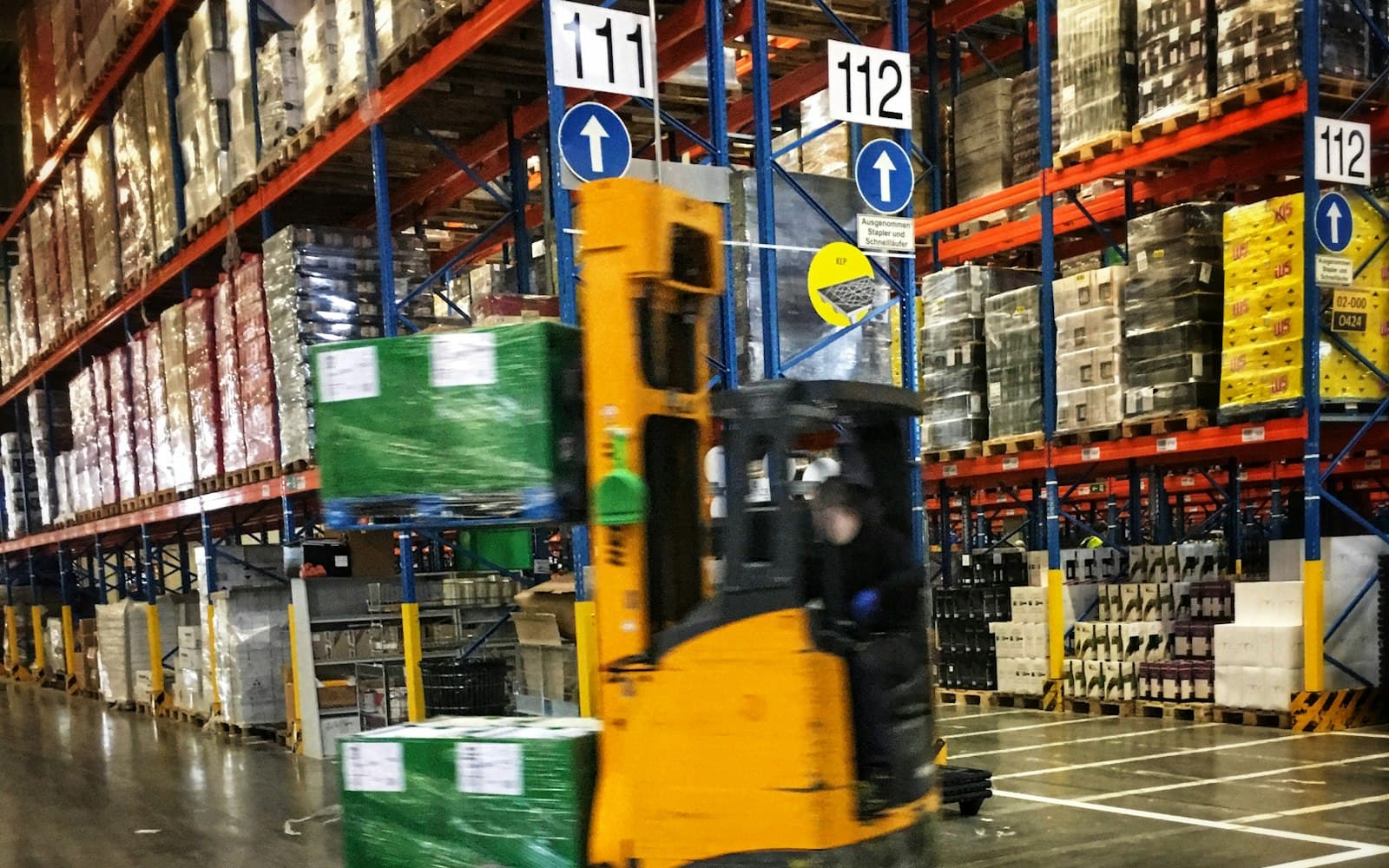
Billing & documents
Bill the work off the record you dispatched
Accessorials, waiting time and per-stop charges price on the order. Invoice from it, email the PDF, take a card payment, and export to QuickBooks Online.
- Accessorials and waiting time
- Invoice, email and PDF
- Per-order cost and margin (optional module)
What changes on the board
One live view
Trucks, drivers, stops and loads on the same board.
Costs on the truck
Fuel, tolls and repairs post against the truck that ran them.
Exceptions get flagged
Late deliveries raise alerts; holds and driver issues are visible on the board.
Go deeper
Down to the load itself
Bring one of your real lanes to the demo.
Bring a real order and we'll walk it from quote to dispatch to invoice to payment.