
Every pallet
accounted for.
Load units scanned at pickup and delivery, photo and signature proof on the stop, and the paperwork attached to the order — on the same platform that dispatches your trucks and drivers.
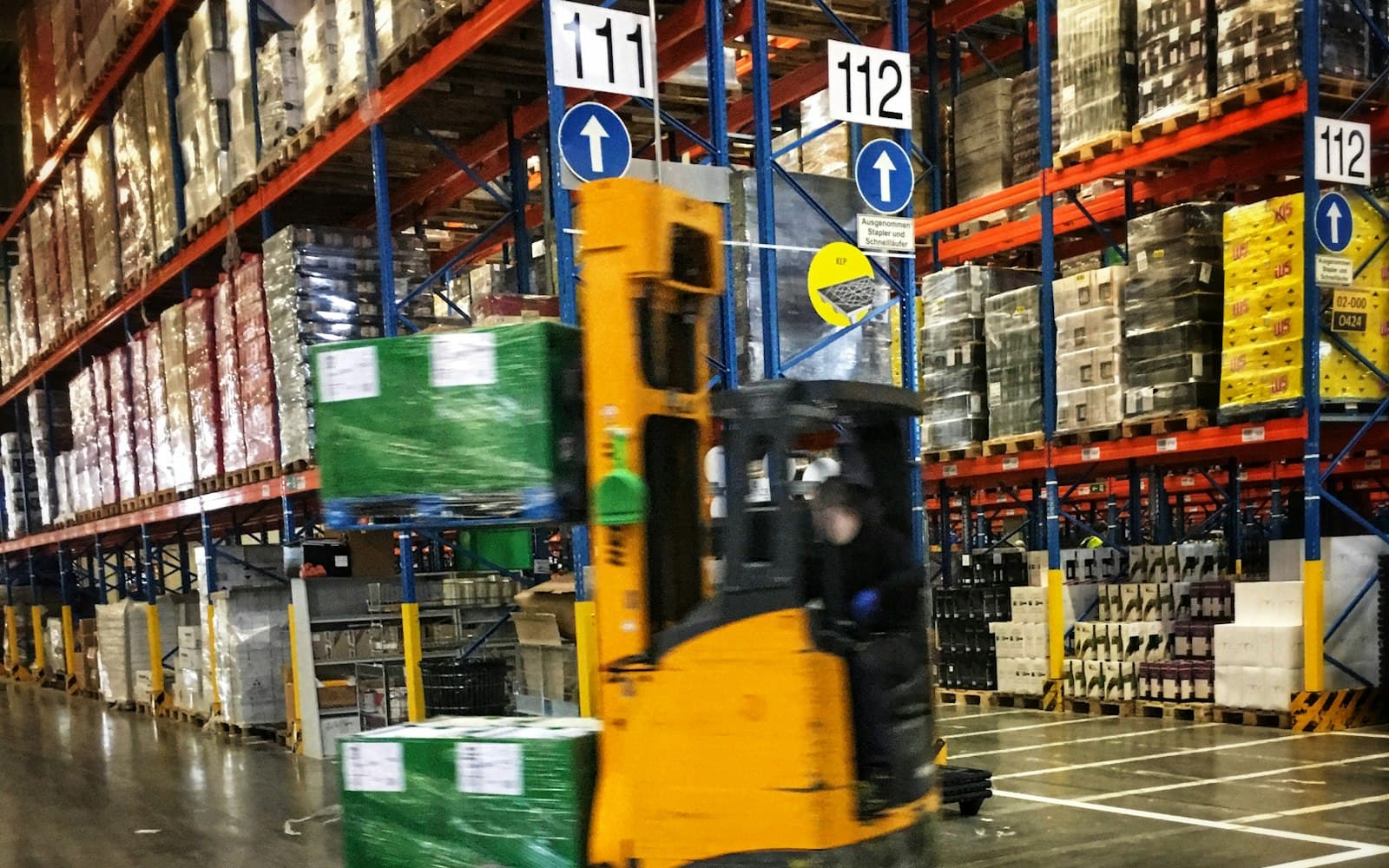
Load tracking
From pickup scan to signed delivery
Live dispatch map
See where the load is right now
Driver and truck positions on the dispatch map, from the driver app or a connected Samsara account. Customers follow each shipment's status and stop timeline after signing in to the customer portal.
- Driver and truck positions
- Samsara telematics integration
- Customer portal status tracking
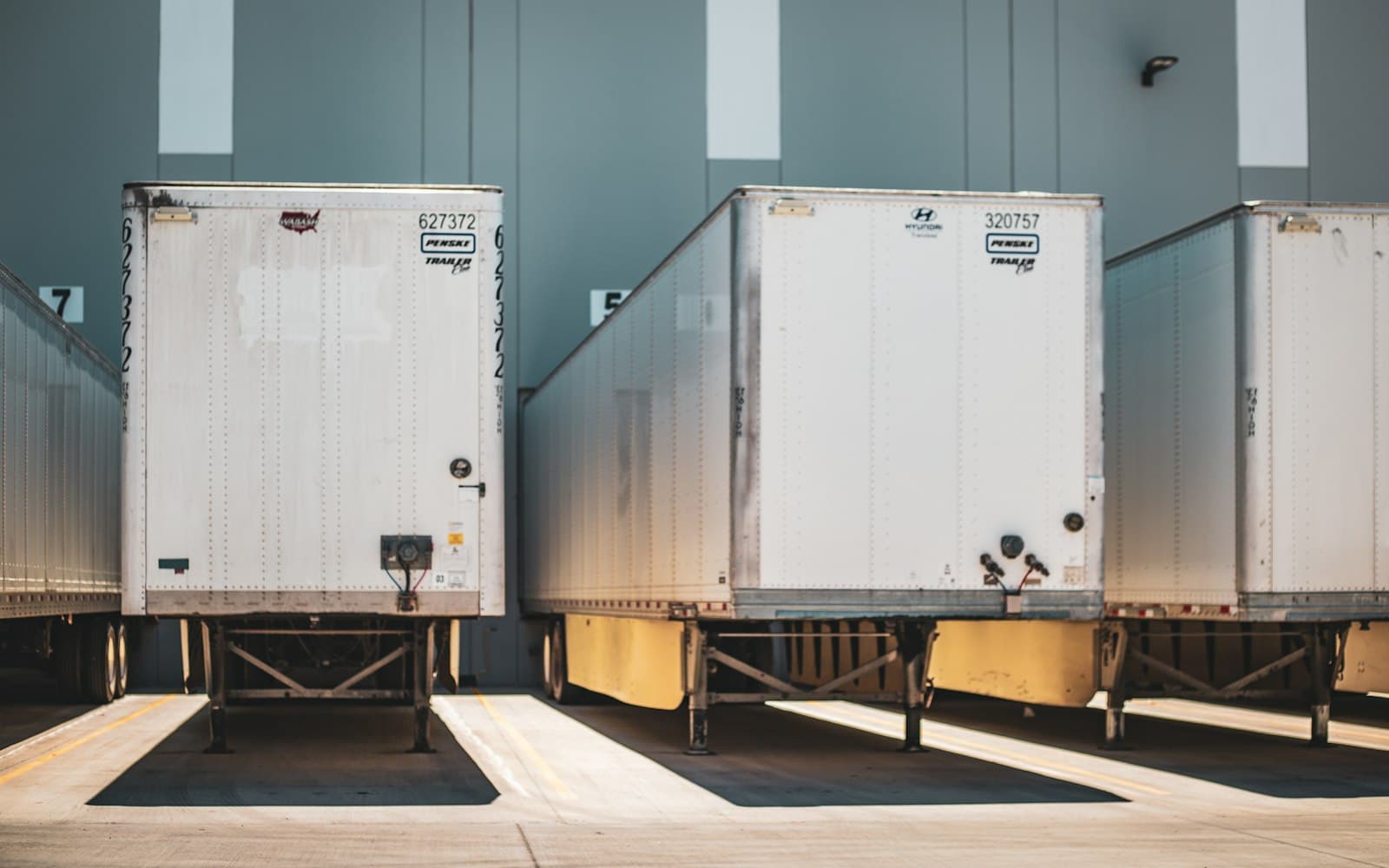
Routes & order history
Build the route, then keep the record
Build routes and drag stops onto drivers straight from the dispatch board. Every status change, edit and reassignment stays on the order.
- Drag-and-drop route building
- Stop-by-stop status history
- Full order audit log
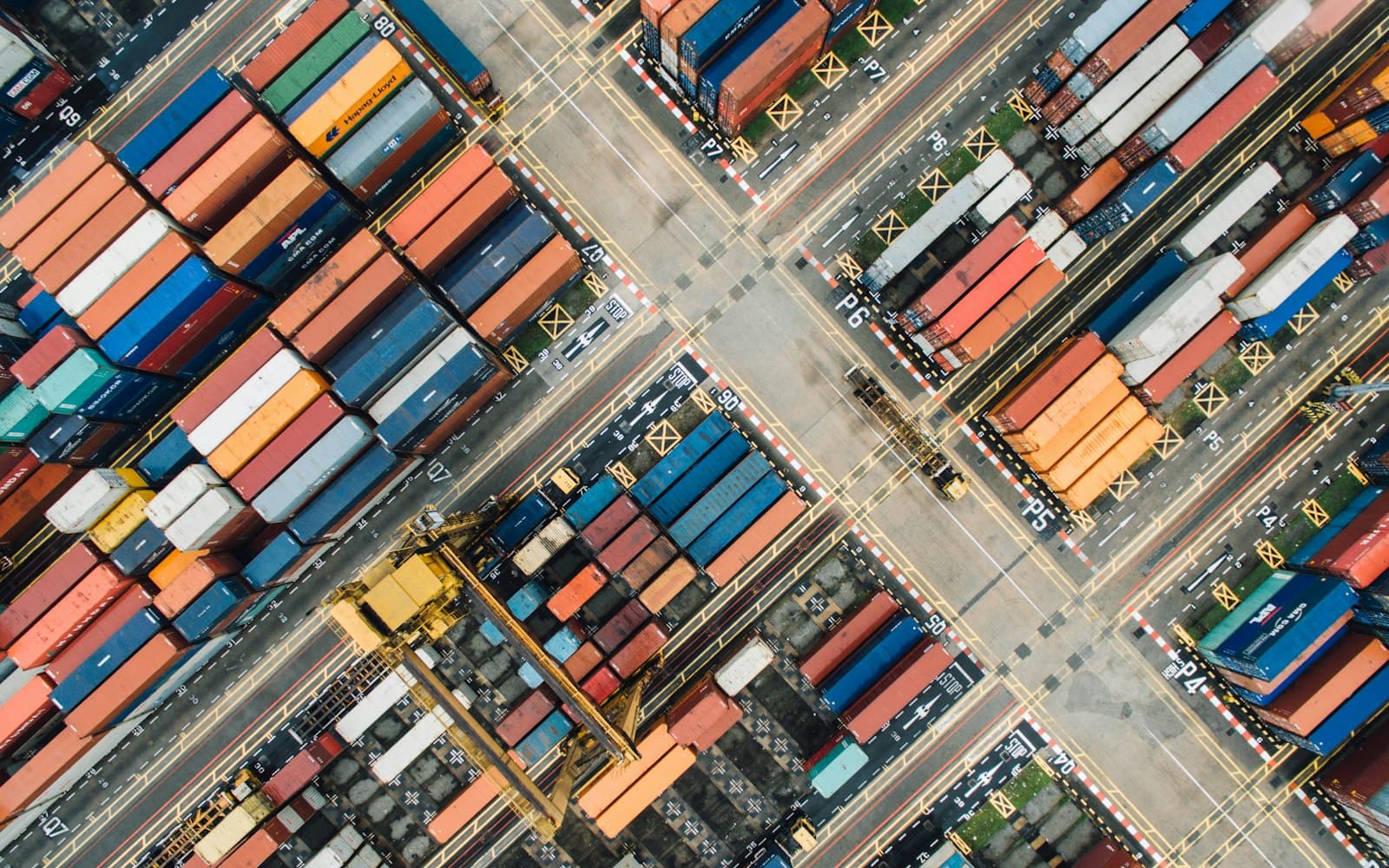
Freight details & paperwork
The load's details travel with the order
Pallet counts, dimensions, weight and handling flags live on the order — and generate the BOL, pallet labels and dispatch sheet your driver carries.
- Pallets, weight and dimensions
- Handling flags on the BOL
- BOL, labels and dispatch sheets
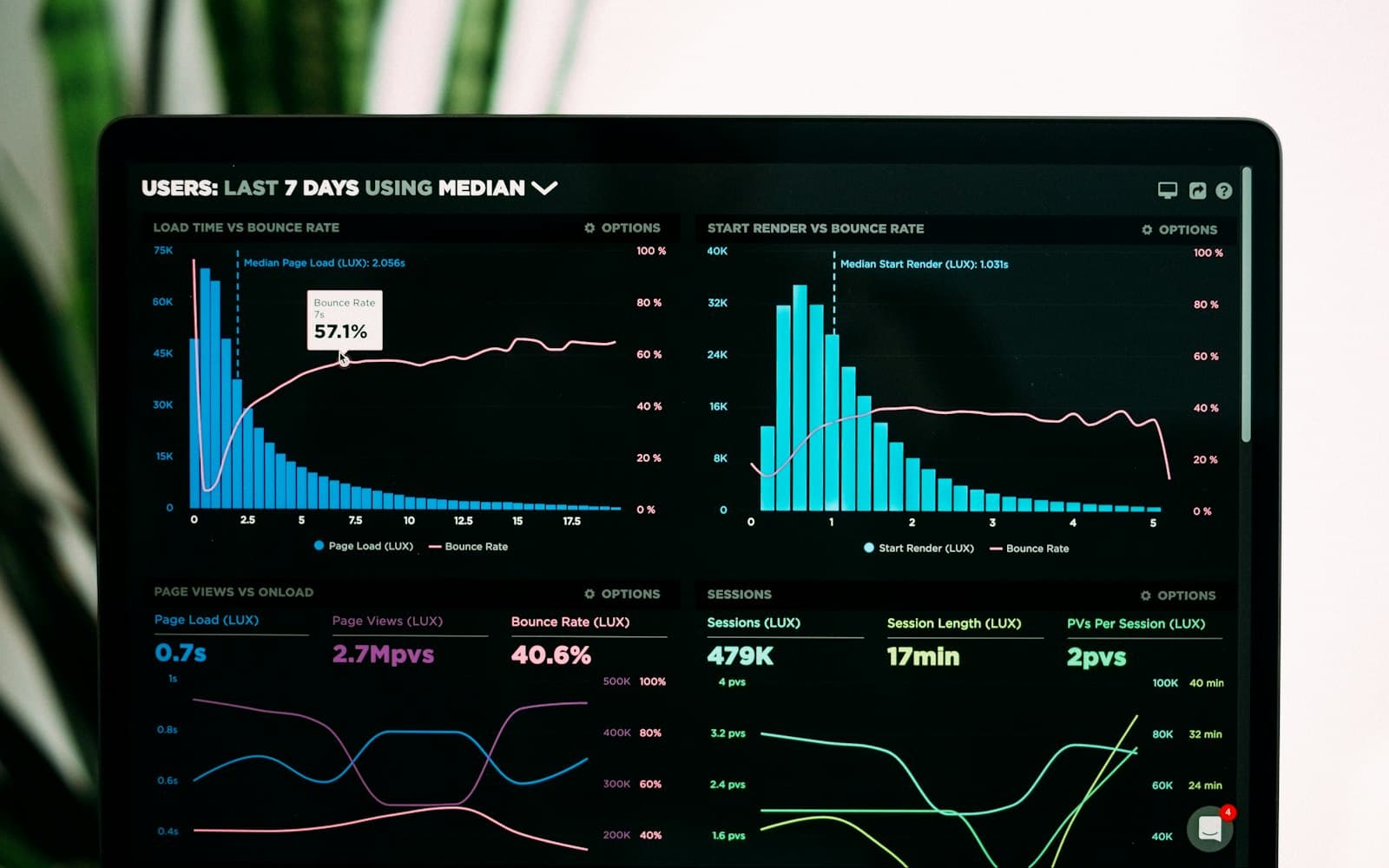
Proof, exceptions & billing
Handling requirements
Flag a shipment refrigerated, hazardous or fragile. It prints on the Bill of Lading.
Scanned at every stop
Drivers scan each pallet, container or piece at pickup and delivery, with photo and signature proof.
Late-delivery alerts
Automatic late alerts in the notification centre and by email — plus holds for shipments that must stop moving.
Waiting-time billing
Bill waiting time as an accessorial, with the driver's recorded arrival and departure on the invoice line.
See a real order move from quote to dispatch to invoice.
Book a demo on your own freight — quote, dispatch, proof, invoice.